macware.be
Alle Apple/Mac nieuws op één plek
laatste update: 15:40
België/Nederland
MacFreak Feed

Update: macOS 27 Golden Gate met Siri AI (en ook 26.7 en 15.8)


https://www.macfreak.nl/modules/news/images/macOS27-GoldenGate-icoon.jpg
Heb je een Mac met Apple Silicon (= een M-chip), dan staat er een compleet nieuwe versie van macOS voor je klaar: macOS 27 Golden Gate. In tegenstelling tot iOS en iPadOS krijgen we hierin wel Siri AI, wat betekent dat Siri veel meer kan en weet, maar op dit moment nog alleen in het Engels.

Jammer genoeg zijn de release notes voor macOS erg summier, in tegenstelling tot ... Lees verder...
AppleNieuws Feed

Apple brengt grote software-updates uit


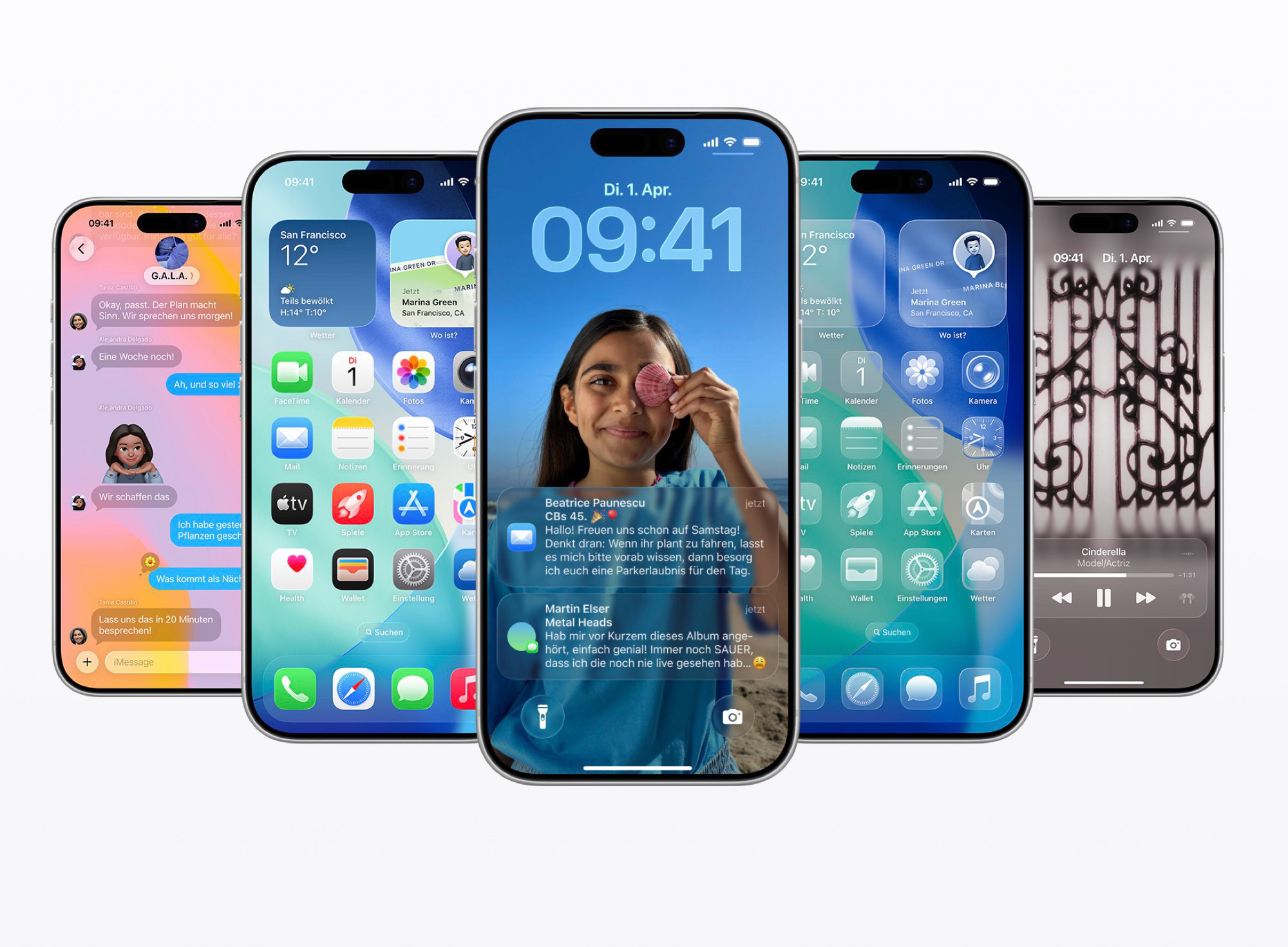
Apple heeft alle grote software-updates uitgebracht, waaronder iOS 27, iPadOS 27, macOS 27, watchOS 27, visionOS 27 en tvOS 27. Europese iPhone- en iPad-gebruikers moeten voorlopig wel de belangrijkste vernieuwing missen: Siri AI is bij de lancering niet beschikbaar in de EU. De updates brengen daarnaast nieuwe AI-functies, betere prestaties en uitgebreid ouderlijk toezicht naar…


International
MacRumors.com Feed

iPhone 18 Pro Makes the Starting Lineup for Apple TV's Dodgers vs. Giants Broadcast


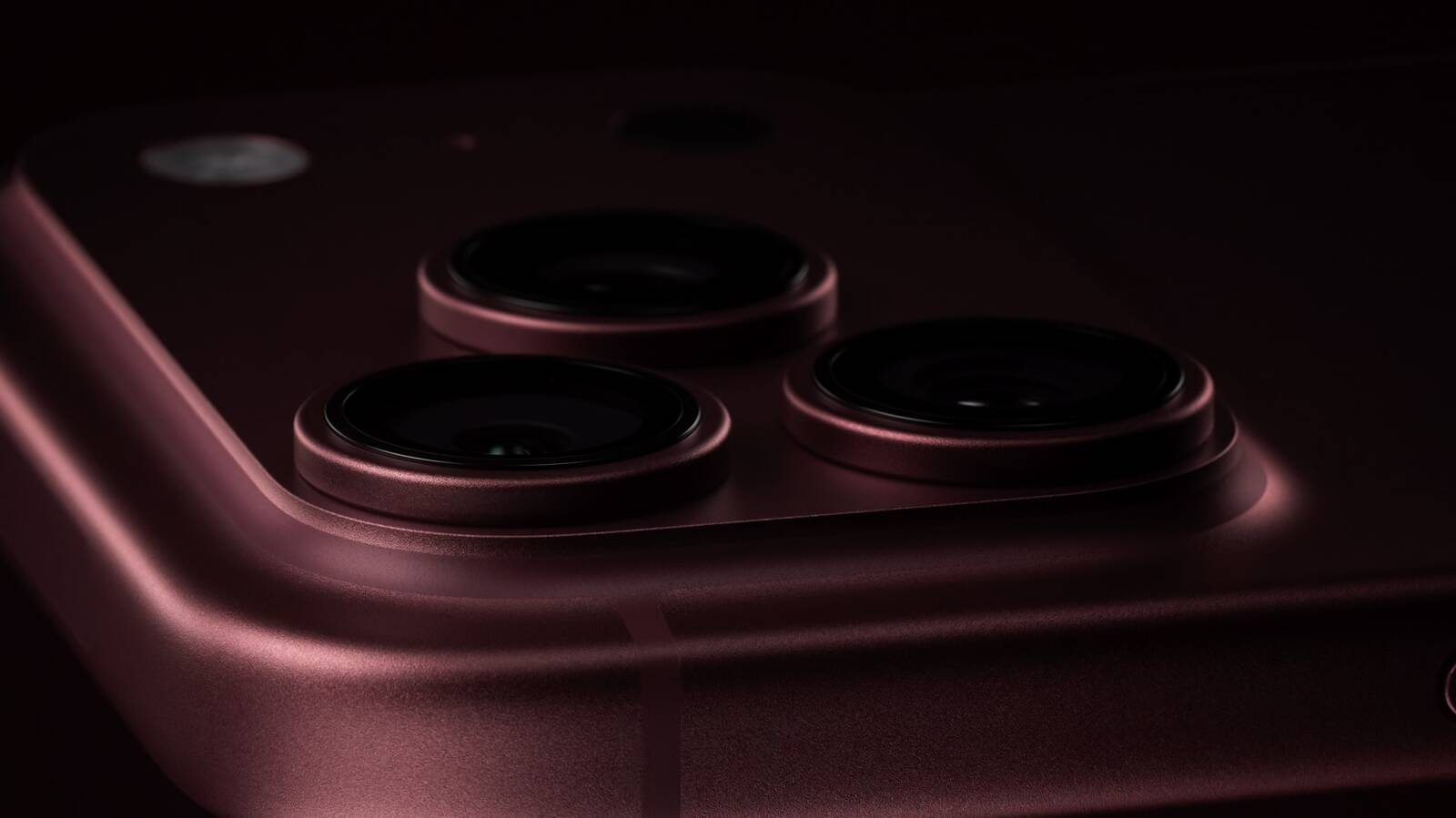
Apple TV's broadcast of the Los Angeles Dodgers vs. San Francisco Giants game this Friday will incorporate the brand new iPhone 18 Pro.


More than a dozen iPhone 18 Pro devices will be placed throughout Dodger Stadium during the game, according to Apple. The devices will capture live gameplay from unique vantage points and scenes from around the ballpark, including batting practice, player introductions, dugout perspectives, and the atmosphere throughout the stadium.

"iPhone will offer unique perspectives that would be difficult to achieve with traditional broadcast cameras thanks to its small footprint," said Apple.

Apple already placed four iPhone 17 Pro devices in Fenway Park last year to capture footage for a Boston Red Sox vs. Detroit Tigers broadcast on Apple TV, and one of them ended up in the National Baseball Hall of Fame and Museum.

Apple TV offers a weekly MLB doubleheader called Friday Night Baseball as part of a subscription — there is no additional cost to watch the games. Watch the Dodgers take on the Giants this Friday, September 18 at 7 p.m. Pacific Time.
Related Roundups: Apple TV, iPhone 18 Pro

This article, "iPhone 18 Pro Makes the Starting Lineup for Apple TV's Dodgers vs. Giants Broadcast" first appeared on MacRumors.com

Discuss this article in our forums

MacUpdate.com Hot Picks Feed

Adobe Photoshop 25.5 - Professional image editor.


You can download Adobe Photoshop as a part of Creative Cloud for only $54.99/month

Adobe Photoshop is a recognized classic of photo-enhancing software. It offers a broad spectrum of tools that can turn your inspiration into incredible images, photos, composites, 3D artwork, paintings, and graphics on any device.

Photoshop has become the choice of thousands of creative professionals around the world. First introduced in 1988, it still is the world's leading image-editing software.

Intuitive and clean user interface

Although Photoshop for Mac is the most comprehensive graphics and image-editing software available in the market today, it has a very intuitive and easy-to-navigate interface.

With recently improved usability, this photo-editor has become even more enjoyable to use. The interface loads as soon as you decide to use Photoshop.

A user-friendly interface updates you about new features, suggests learning content, and allows you to quickly access recent files. You can easily pick up where you left or create a new project, access cloud and desktop pictures, and open an existing document.

Convenient content-aware fill workspace

Adobe has recently announced the launch of its new Content-Aware Fill workspace. It allows you to remove objects or distracting elements from your images easier than ever before.

This new option offers an interactive editing experience. Now, you can take full Control over which "good" parts of the picture to use to replace the undesired areas. It allows resizing the initial selection, rotating, scaling, and mirroring content.

Enjoy a range of new tools

The latest version of the software provides a new Frame Tool that allows you to enjoy much simpler masking. Now, you can place shapes and text into placeholder frames and fill them with pictures. To create elliptical or rectangular forms, you only need to select the Frame Tool and press "K."

There is also a new default feature of multiple undo. If you want to view an object before changes are applied, just click Control + Z (for Windows OS) and Command + Z (for macOS). Don't worry about losing any project changes in Adobe Photoshop on your MacBook Air or MacBook Pro. With a new auto-commit feature, they are saved automatically.

What's new in Photoshop

Version 21.2:
  • In the latest version, you can make accurate selections of people with one click.
  • Now, Adobe Photoshop can find and add all available fonts to your libraries automatically when you open a project.
  • In updated Photoshop, Adobe Camera Raw workspace provides all your tools right where you need them so that you can work on your project more efficiently.
  • You can experience higher accuracy with the enhanced Match Font feature that allows vertical text, provides multiple-line detection and offers even more typefaces.
  • Now, you can change the orientation and add a rotation to any pattern in Pattern Overlays and Pattern Fill layers much more easily than before.


  • Create and save your presets for future use or import and export to share inspiration.
  • You can now adjust text alignment, spacing (leading and kerning), and font style (bolding, italicizing, underlining) directly from the Contextual Task Bar.


  • 8 GB RAM (16 GB recommended)
  • 4 GB of available hard-disk space for installation; additional free space required during installation (cannot install on a volume that uses a case-sensitive file system or on removable flash storage devices)
  • Internet connection


Download Now]]>